Create an account
New organisation:
If no one in your organisation is using Autoscriber, you must first fill in your details on our website. The first person to register on behalf of an organisation will automatically become the administrator (admin) and will determine under which conditions (free trial, Lite, or Unlimited) the main account will be activated. Test.
Existing organisation:
If someone in your organisation is already using Autoscriber and you need to be added as a user, you can request this from the account administrator within your organisation. If you are unsure who the administrator is, you can contact [email protected]
After registering, you will receive an email from [email protected] containing an activation link. NOTE: The link in this email is only valid for 48 hours. So make sure to activate your account on time.
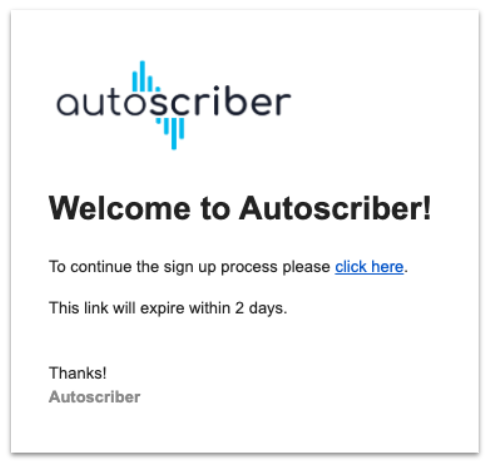
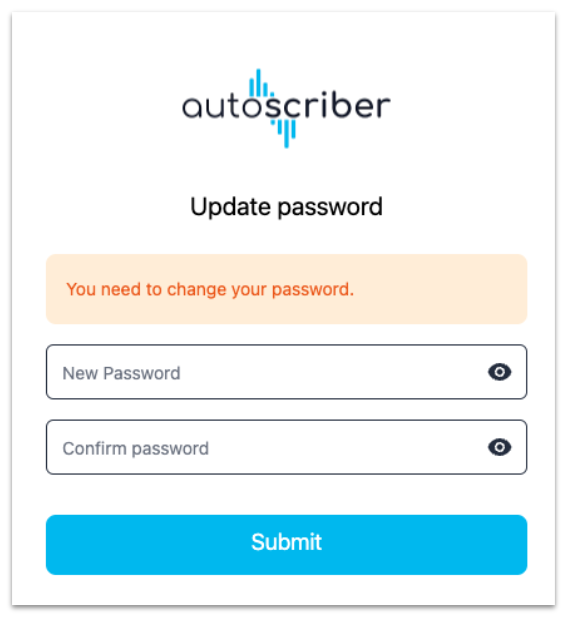
After clicking the activation link, you will be asked to set a password.
The password must;
- Contain at least 8 characters
- Contain at least 1 symbol
Every 90 days a user must renew their password to maintain access to the application
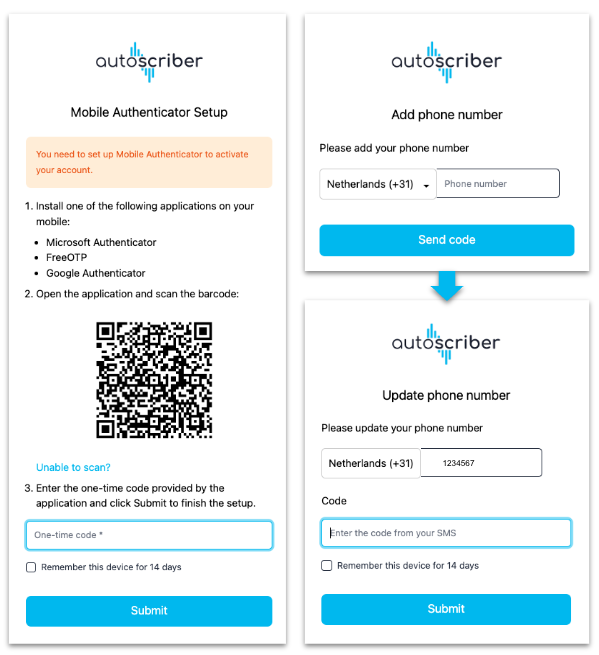
After the password is set, multi-factor authentication (MFA) must also be configured. The MFA serves as a double layer of account security. You can set up the MFA using an Authenticator app, or receive a temporary code via SMS each time.
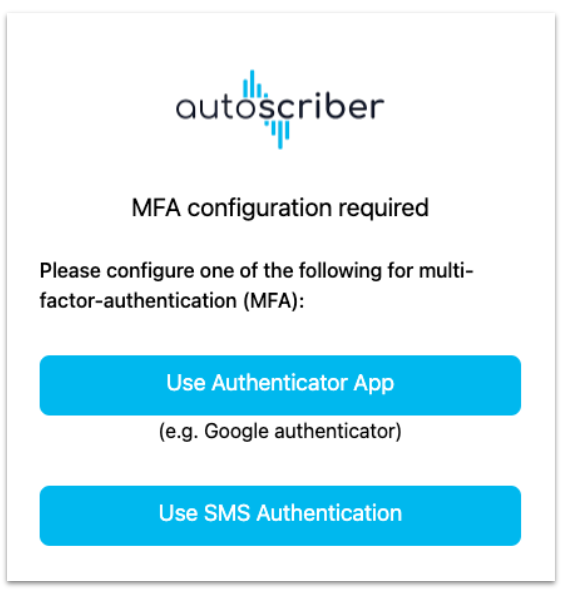
Based on your preference, one of the following next steps will be shown:
TIP: you can check the option on this screen to enter the code every two weeks instead of at each login attempt
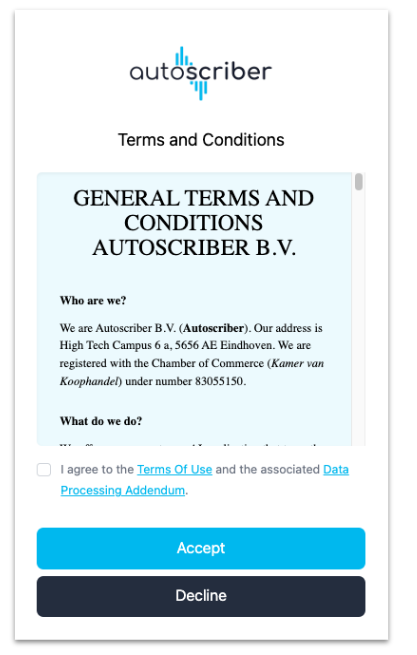
As a final step, you will be asked to agree to our terms and conditions.